- Start with design basics, then HTML and CSS. They are the foundation of every website.
- Figma is free and is the most widely used web design tool today.
- Build real projects early. A portfolio matters more than certificates.
- Regular practice for 6 to 12 months is enough to become job-ready.
Step 1: Learn the Basics of Design
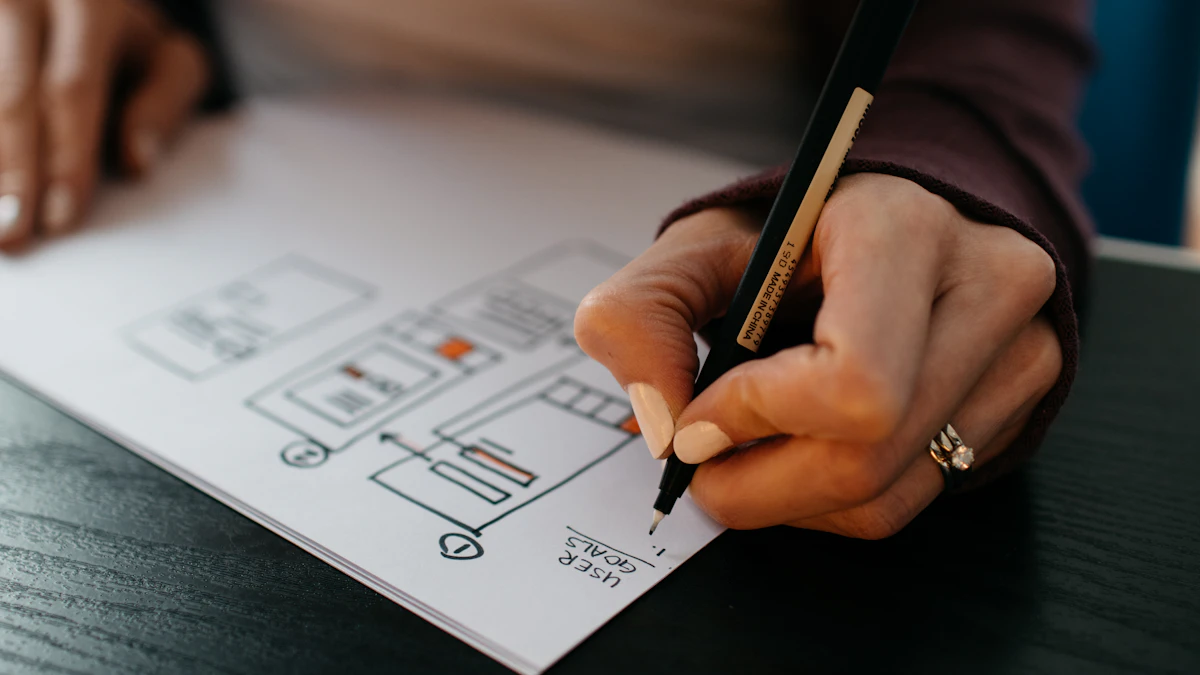
Before touching code, learn the fundamentals that make any design look professional: layout and spacing, colour theory, typography and visual hierarchy (making the most important things stand out). Study websites you like and ask yourself why they work: where your eye goes first, how much white space they use and how buttons are styled.
If you are completely new, start with our guide on what web designing is, then come back to this roadmap.
Step 2: Learn HTML and CSS
HTML gives a web page its structure (headings, paragraphs, images, links) and CSS controls how it looks (colours, fonts, spacing and layout). These two languages are the foundation of every website. Focus on modern CSS layout with Flexbox and Grid, and on responsive design with media queries so your pages work on phones.
Free resources such as MDN Web Docs, freeCodeCamp and W3Schools are enough to learn HTML and CSS properly. Practise every day, even for 30 minutes.
Step 3: Learn a Design Tool
Figma is the most popular tool for designing websites and it is free to start. Learn frames, auto layout, components and prototyping. Many designers in Sri Lanka also use Adobe Photoshop and Adobe XD, but Figma is the industry standard for web and app design today.
Step 4: Add JavaScript and a CMS
Once you are comfortable with HTML and CSS, learn basic JavaScript to add interactivity such as menus, sliders and form validation. Then learn WordPress, which powers a large share of business websites. Knowing how to build and customise WordPress sites makes you far more employable as a beginner. Our WordPress vs custom website comparison explains when each is used.
Step 5: Learn SEO and Accessibility Basics
A website is only useful if people can find it and use it. Learn the basics of SEO: page titles, meta descriptions, one H1 per page, logical headings, descriptive image alt text, fast loading and internal links. Then learn accessibility: good colour contrast, readable font sizes, keyboard-friendly menus and labelled form fields.
Designers who understand SEO and accessibility are more valuable to clients, because their websites bring in more visitors and work for everyone.
Step 6: Practise With Real Projects
The fastest way to improve is to build. Try these practice projects:
- Redesign the website of a local shop, restaurant or school.
- Build a personal portfolio website to show your work.
- Create a landing page for a product or event.
- Recreate the layout of a website you admire, then add your own improvements.
- Build a small online store with WooCommerce.
Step 7: Build Your Portfolio
Clients and employers want to see what you can do. Put your best 4 to 6 projects on a simple portfolio website. For each project explain the goal, your process and the result. Live, working websites are always more convincing than screenshots.
Step 8: Find Your First Clients or Job
Start with people you know: friends, family businesses and local shops that need a website. Freelance platforms such as Fiverr and Upwork, Facebook groups and LinkedIn are also good places to find work. You can also apply for internships at a web design company in Sri Lanka to learn from experienced designers and developers on real client projects.
Keep learning SEO basics. Clients value designers who understand how to help a website rank on Google.
A 6-Month Learning Plan
Here is a realistic plan if you can practise for about an hour a day:
| Month | Focus | Goal by the end of the month |
|---|---|---|
| 1 | Design basics and HTML | Build a simple one-page personal website |
| 2 | CSS, Flexbox and Grid | Make your page fully responsive on phones |
| 3 | Figma | Design a 3-page business website in Figma |
| 4 | JavaScript basics | Add a mobile menu, slider and form validation |
| 5 | WordPress and SEO basics | Build a WordPress site with good titles and alt text |
| 6 | Portfolio and real projects | Publish your portfolio with 4 or more projects |
Free Tools Every Beginner Needs
- Visual Studio Code: a free code editor for HTML, CSS and JavaScript.
- Figma (free plan): for designing pages and prototypes.
- Google Fonts: free, web-friendly fonts.
- Chrome DevTools: built into the browser for testing layouts and mobile views.
- GitHub Pages or Netlify: free hosting for practice projects and your portfolio.
- Google PageSpeed Insights: to check how fast your pages load.
Common Beginner Mistakes to Avoid
- Only watching tutorials: build something after every lesson, or you will not remember it.
- Ignoring mobile: always design and test the phone version.
- Using too many fonts and colours: stick to two fonts and a small palette.
- Copying designs without understanding them: learn why a layout works.
- Waiting until you feel "ready": start freelancing small projects early and learn as you go.
Further Reading
Related guides from our blog:
- How to create a web design: eight steps from idea to finished page
- What is web designing?: the basics of web design explained simply
- WordPress vs custom website: which platform suits your business
- Best website design examples: what the most effective websites have in common
Freelancer, Agency or In-House?
| Path | Good for | Things to know |
|---|---|---|
| Freelancer | Flexible hours, choosing your own clients | You must find clients and manage payments yourself |
| Agency job | Learning fast from a team on many projects | Deadlines and variety; great for beginners |
| In-house designer | Working on one brand in depth | Stable work, but fewer types of projects |
Many designers start at an agency to gain experience, then move to freelancing or senior roles.
Frequently Asked Questions
How long does it take to learn web designing?
Most beginners can learn HTML, CSS and a design tool well enough to build simple websites in 3 to 6 months of regular practice. Becoming job-ready with JavaScript and WordPress usually takes 6 to 12 months.
Can I learn web designing for free?
Yes. Free resources such as MDN Web Docs, freeCodeCamp, YouTube tutorials and the free plan of Figma are enough to learn web design from scratch.
Do I need a degree to become a web designer?
No. Many successful web designers are self-taught. A strong portfolio of real projects matters more to clients and employers than a degree.
What should I learn first for web designing?
Learn design basics such as layout, colour and typography, together with HTML and CSS. Then learn Figma, followed by JavaScript and WordPress.
Can I learn web designing on a phone?
You can read tutorials and watch lessons on a phone, but you need a laptop or desktop computer to practise coding and use design tools properly.
How do I do web designing as a freelancer?
Build a portfolio with 4 to 6 projects, set clear prices, start with local businesses you know, and create profiles on platforms such as Fiverr, Upwork and LinkedIn.